
Webdings vs Wingdings Full Comparison and Hidden Facts (2026)
You have probably seen these fonts in Microsoft Word and wondered what they actually are. Both Webdings and Wingdings replace your typed letters with symbols and icons, but that is about where the similarity ends. They were built at different times, by different people, and for completely different reasons. Once you understand the real story, you will never mix them up again.
What Is a Dingbat Font
A dingbat font is a font where every key on your keyboard produces a symbol instead of a letter. Type ‘A’ and you get a small hand pointing right. Type ‘B’ and you get a star. Back in the 1990s, computers were slow and adding image files to documents was a real problem because those files were heavy and often made things crash. Microsoft created these symbol-based fonts so designers could add icons without touching a single image file.
Wingdings Was Built for Documents
Wingdings was created in 1990 by Charles Bigelow and Kris Holmes, the same designers behind the Lucida font family. It shipped as a TrueType font with Windows 3.1 and gave users quick access to everyday design symbols.
- It comes in three versions, each with a different focus:
- Wingdings 1 has the general symbols most people use, like Wingdings arrow symbols and Wingdings checkmarks.
- Wingdings 2 added more styles of directional arrows for extra variety.
- Wingdings 3 focused on technical and UI-style symbols for interface design work.
Webdings Was Built for the Web
Webdings came out in 1997, designed by Vincent Connare (the creator of Comic Sans) along with a small team. Microsoft first included it with Internet Explorer 4.0, and it became part of every Windows version from Windows 98 onwards. Unlike Wingdings, which was focused on print and documents, Webdings was packed with web-friendly icons like envelopes, globes, folders, and navigation signs. Web designers used it to add lightweight icons to pages at a time when loading actual image files was painfully slow.
Webdings vs Wingdings Difference at a Glance
Here is a clear side-by-side look at the webdings vs wingdings difference:
| Feature | Wingdings | Webdings |
| Released | 1990 | 1997 |
| Creators | Charles Bigelow & Kris Holmes | Vincent Connare & Monotype team |
| Symbol Style | Arrows, shapes, hand gestures | Web icons, navigation, UI symbols |
| Best Used For | Word docs and print | Early websites and web UI |
| Versions | Wingdings 1, 2, and 3 | One version only |
| In Windows Since | Version 3.1 | Windows 98 |
| Cross-Platform | Not fully compatible | Not fully compatible |
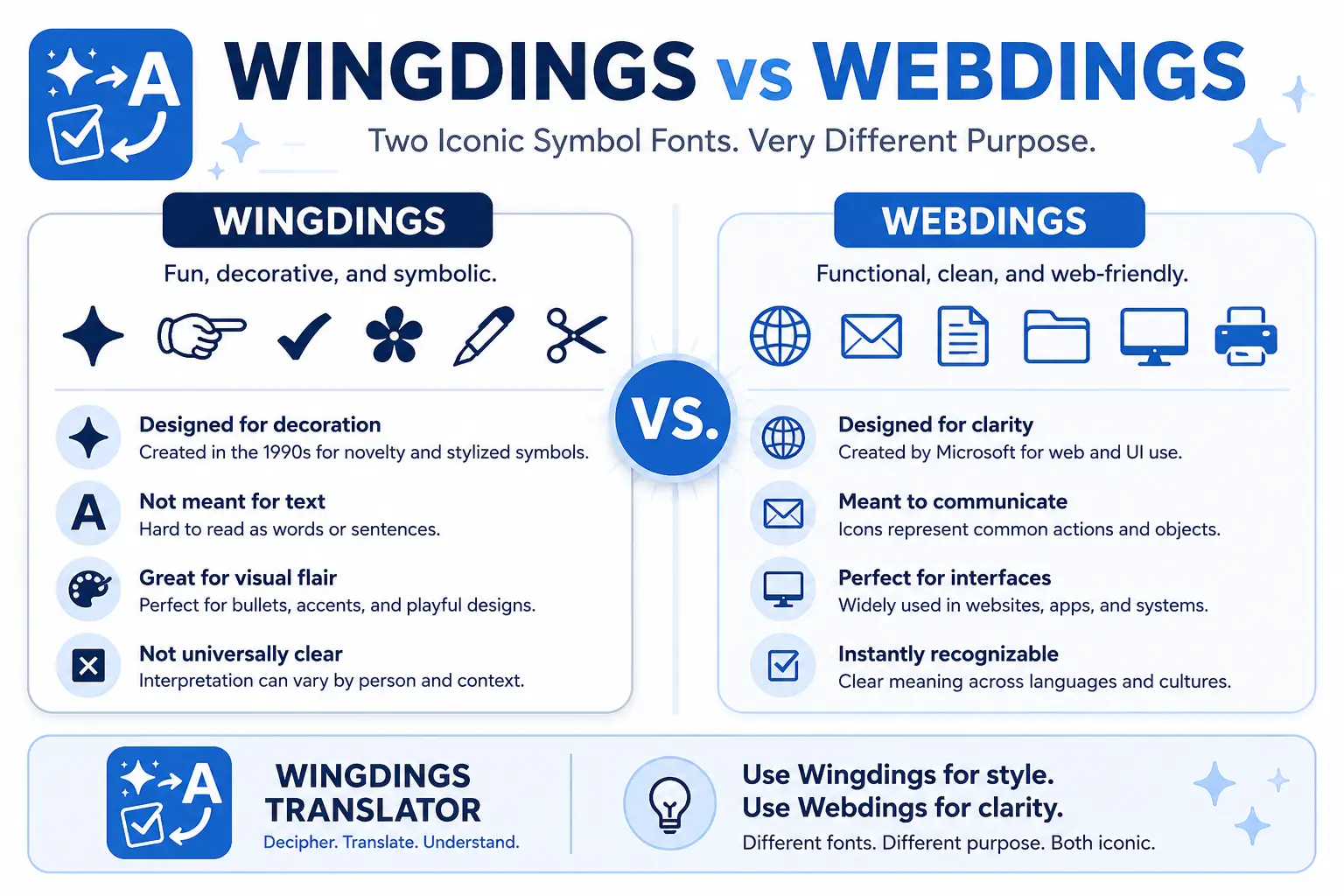
The short version is this: Wingdings is for documents and Webdings is for web design. Same idea of replacing letters with symbols, but completely different symbol sets and use cases.
Which One Should You Use?
If you are working in Microsoft Word or PowerPoint and need a quick arrow or checkmark, go with Wingdings. It has three versions full of shapes and icons ready to drop into any document. If you are looking at legacy HTML files or old web templates, you might come across Webdings there. For any brand new project today though, neither font is the ideal choice. Modern projects use Unicode symbols or icon libraries, which work properly across all devices and operating systems without any compatibility headaches.
The NYC Story Nobody Talks About
When Windows 3.1 launched, someone noticed that typing ‘NYC’ in Wingdings produced a skull, a Star of David, and a thumbs up. It blew up publicly and Microsoft had to deny it was intentional. Vincent Connare remembered this when designing Webdings. He made ‘NYC’ in Webdings show an eye, a heart, and a city skyline, which spells out I Love New York. It was a deliberate, quiet nod to a very public controversy.