
Webdings Translator – Free Online Converter & Decoder
Have you ever typed something in the Webdings font and had no idea what those strange symbols meant? Or maybe you want to send a secret message that only certain people can decode. Either way, you’re in the right place. Our free Webdings Translator lets you convert regular text into Webdings symbols and decode them right back to normal English in just a few seconds. No downloads, no sign-up, and it works perfectly on your phone, tablet, or computer.
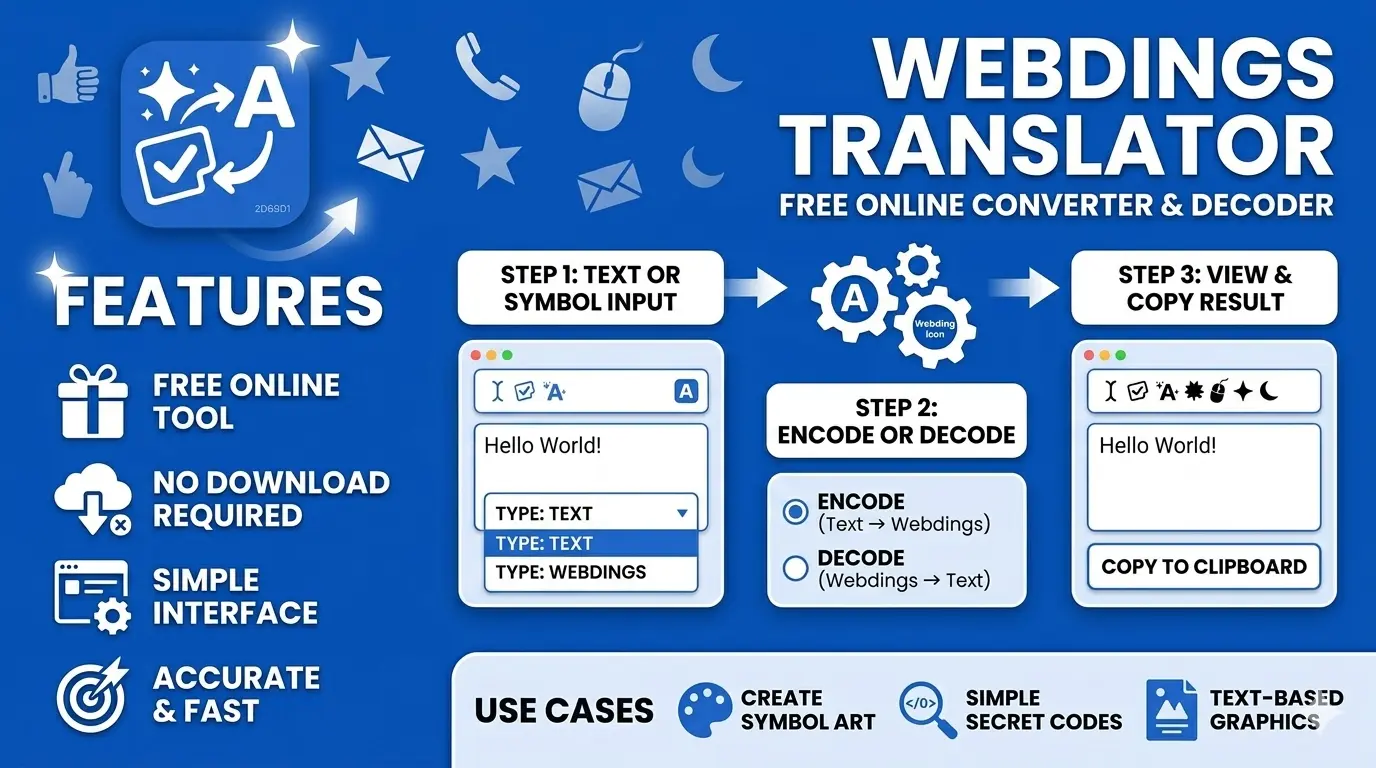
How to Use the Webdings Translator
Using this tool is as simple as it gets. Whether you want to translate text to Webdings or decode a string of symbols back to readable text, the whole process takes only a few seconds.
- Type or paste your text into the box.
- The Webdings font translator converts it to symbols right away.
- Copy the result and paste it anywhere you need.
- Got symbols you want to decode? Paste them in and the Webdings decoder gives you the normal text back.
The Webdings text translator figures out which direction to go on its own, so you don’t have to change any settings.
What Is Webdings?
Webdings is a symbol font that Microsoft released in 1997. Each letter or number on your keyboard maps to a small picture instead of a regular character, things like a plane, a clock, a building, or a smiley face. It was designed by Vincent Connare, the same person who made Comic Sans. The font launched with Internet Explorer 4.0 and has shipped with every version of Windows since Windows 98. It holds 223 characters in total, and many of those were added to Unicode 7.0 in 2014, which is why you can now copy and paste them without font issues.
Webdings vs Wingdings – What Is the Difference?
Most people think these are the same font. They’re not. Wingdings came out in 1990 with arrows, hand gestures, and shape icons. Webdings followed in 1997 and was built for the internet, so its icons look more like computers, envelopes, and globes. Same idea, different era, different icons.
| Feature | Wingdings | Webdings |
| Created | 1990 | 1997 |
| Made by | Microsoft | Microsoft |
| Icon style | Arrows, hands, stars, zodiac | Computers, globes, envelopes, buildings |
| Built for | Print and documents | Web and internet era |
| Famous Easter egg | “NYC” showed controversial symbols | “NYC” shows eye + heart + skyline (I Love NY) |
Our Webdings font converter supports both fonts, so you can switch between them any time you need.
Where Can You Use Webdings Symbols?
Webdings copy paste is incredibly easy with this tool, and there are more ways to use these symbols than you might think.
Webdings Character Chart – What Each Symbol Means
Every key on your keyboard matches one icon in the Webdings font symbols list. Here’s a quick sample from the Webdings character chart so you can see how it works:
- A = Thumbs up
- B = Building
- E = Airplane
- N = Eye
- Y = Heart
The full Webdings font online chart with all 223 characters is available right inside the tool.
Frequently Asked Questions
Start Translating Right Now
Whether you want to create a secret message, decode something mysterious, or just have fun with symbols, our Webdings Translator makes it effortless. Type something in the box above and see your Webdings font generator results appear instantly. It’s free, fast, and ready to use anytime you need it.