
Wingdings 2 Translator Convert Text to Symbols Instantly
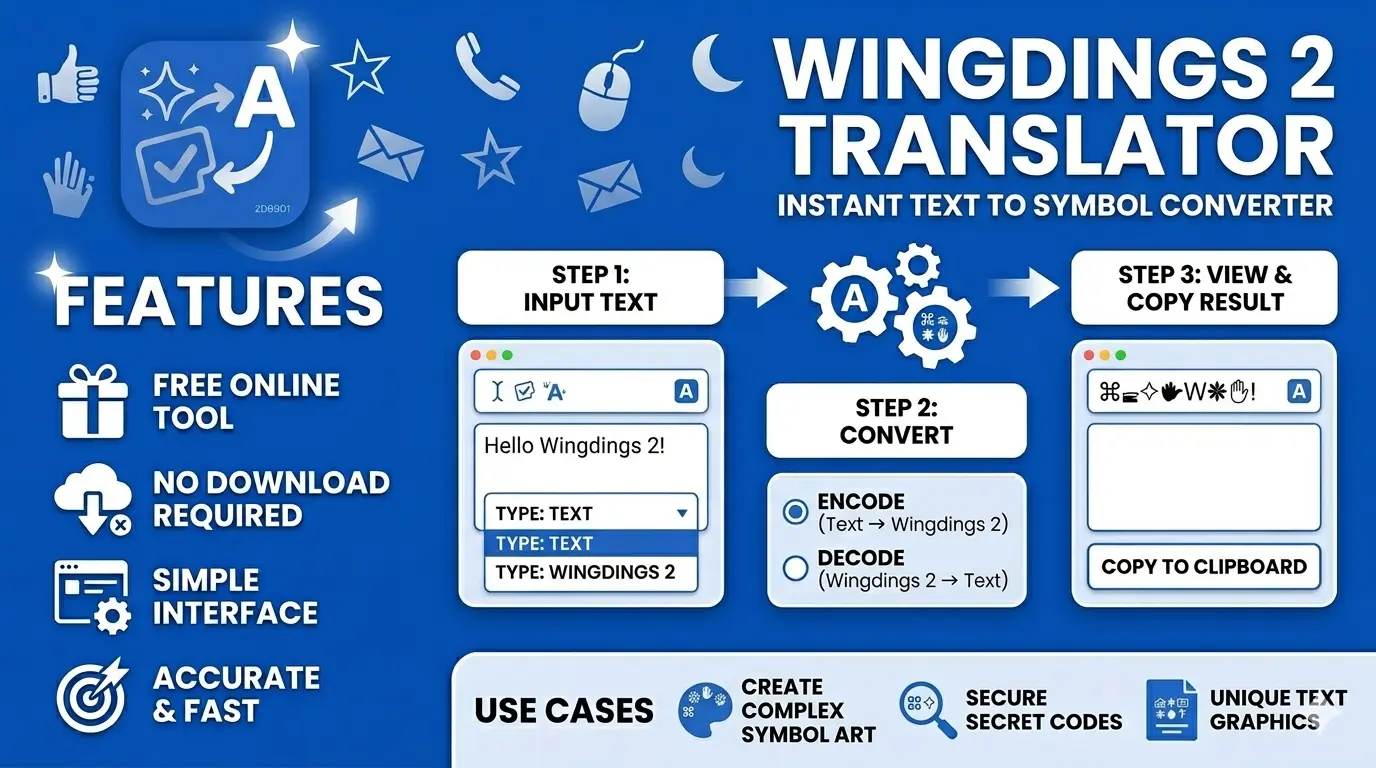
Most people discover Wingdings 2 translator when they receive a message full of random symbols and have no idea what it says. This Wingdings 2 font translator lets you convert regular text into symbols or turn those symbols back into normal words. It’s completely free, works in seconds, and you don’t need to install anything.
What Is Wingdings 2, and Why Do People Use It?
Wingdings 2 is a symbol font, but it works differently from normal fonts. When you type a letter, it shows a symbol instead of the actual letter. It’s part of the Wingdings font family along with Wingdings 3 and Webdings, though all three have different symbols, so you can’t mix them up.
People use it for pretty different reasons, honestly. Some people use it to write messages that look like random symbols to anyone who sees them, which makes it perfect for fun secret messages between friends. Some use it in design work to add a decorative touch. Others just want their social media bio to look less boring than everyone else’s.
How to Use the Wingdings 2 Translator Step by Step
The whole process takes less than a minute.
No account needed. No downloads. Works on any browser and any device.
Wingdings 2 Symbols Explained
Every letter maps to a different symbol inside the Wingdings 2 character map. The Wingdings 2 alphabet chart covers all 26 letters, with each one connected to a unique decorative icon. Symbols can look slightly different on Windows compared to Mac, so if something appears unexpected, that is usually why.
Wingdings 2 vs Wingdings: What Is the Difference?
The original Wingdings and Wingdings 2 use completely different symbol sets, so a Wingdings translator for one won’t work correctly for the other. Wingdings 3 is different again, with most of its symbols being arrows and directional shapes. Always make sure you are using the right version for what you need.
Decode a Wingdings 2 Message
If someone sends you a wall of symbols and you can’t figure out what it means, the Wingdings 2 to text converter solves that in seconds. Paste the symbols into the tool, switch to decode mode, and you get plain readable text right away. Most similar tools only work one way, but this decode Wingdings 2 message feature handles both directions so you never need to switch between tools.
Copy & Paste Symbols Anywhere
Once your text is converted, copying takes a single click. People use Wingdings 2 symbols copy paste for Instagram bios, Discord usernames, Word documents, and Google Docs all the time. It works across Windows, Mac, Android, and iOS without any extra steps.
Who Uses a Wingdings 2 Font Online Translator
People from all kinds of backgrounds find this tool useful on a daily basis.
Since this Wingdings 2 font online tool runs entirely in your browser, anyone from this list can start using it right away without downloading anything.
Frequently Asked Questions
Give It a Try Right Now
If you have been looking for a simple way to convert text into symbols or decode a message someone sent you, this tool gets it done without any hassle. Type your text, get your symbols, and copy them in one click. No signup, no cost, no confusion. Try the Wingdings 2 translator right now and see how easy it really is.